

Mastering Facebook Ads: A Beginner’s Guide
Facebook Ads is a powerful advertising platform that allows businesses to reach a targeted audience across Facebook, Instagram, Messenger, and other partner networks. With over 2.8 billion monthly active users, Facebook Ads enables businesses to promote their products, services, and brand to an extensive range of potential customers. What makes Facebook Ads effective is its targeting capabilities, which allow businesses to refine their audience based on factors like demographics, interests, and online behavior. This guide will walk you through the basics of Facebook Ads, how it works, and the step-by-step process to create your first successful ad campaign.
1. Understanding How Facebook Ads Works
Facebook Ads operates on a pay-per-click (PPC) model, meaning you only pay when someone clicks on your ad. The platform uses a complex auction system where advertisers compete to have their ads displayed to their target audience. Your bid, ad quality, and the relevance of your ad to the audience determine whether your ad will be shown.
When creating an ad, you define your target audience, set your budget, and choose the campaign objective (whether you want to drive traffic, conversions, or awareness). Facebook’s algorithm then determines where and when to show your ad to maximize its effectiveness.
2. Step-by-Step Process to Master Facebook Ads
Step 1: Set Up Your Facebook Ads Account
Before you begin creating campaigns, you need to set up your Facebook Ads account:
-
Create a Facebook Business Manager account at business.facebook.com.
-
Link your Facebook Page to your Business Manager.
-
Add a payment method to allow the platform to charge for ad campaigns.
This will allow you to manage your ad campaigns and ensure they are linked to your business profile.
Step 2: Choose Your Campaign Objective
Facebook offers different campaign objectives, each catering to specific goals. When starting, choose the one that best aligns with your business goals:
-
Brand Awareness: To reach as many people as possible.
-
Traffic: To drive visitors to your website or landing page.
-
Engagement: To boost likes, comments, and shares on your content.
-
Conversions: To get users to take a specific action on your website (like purchasing or signing up).
-
Lead Generation: To collect contact details for follow-up.
Pick the objective that matches what you want to achieve with your ads.
Step 3: Define Your Target Audience
Facebook’s targeting features allow you to reach the people most likely to convert. Here’s how to define your audience:
-
Location: Choose the geographic area where your audience is located (city, region, or country).
-
Demographics: Target users based on age, gender, language, education, and job title.
-
Interests: Select interests related to your business, like hobbies, brands, or activities.
-
Behaviors: Target people based on their online behaviors, such as purchasing habits or device usage.
-
Custom and Lookalike Audiences: Upload your customer list or create lookalike audiences to find new people similar to your existing customers.
Precise targeting ensures that your ads are seen by the people most likely to take action.
Step 4: Set Your Budget
Once you’ve defined your target audience, it’s time to set your budget. You can choose between two types of budgets:
-
Daily Budget: The amount you’re willing to spend per day. Facebook will distribute your budget evenly.
-
Lifetime Budget: The total amount you’re willing to spend over the entire campaign period.
Facebook allows you to adjust your budget at any time, so you can manage your spending effectively.

Step 5: Select Your Ad Placement
Facebook offers various placements for your ads, including:
-
Facebook Feed: Ads appear directly in users’ newsfeeds.
-
Instagram Feed: Ads shown in users’ Instagram feed.
-
Stories: Full-screen ads on Facebook or Instagram stories.
-
Messenger: Ads displayed in the Messenger app.
If you’re unsure, Facebook recommends automatic placements, which let their algorithm optimize ad delivery across all platforms for better performance.
Step 6: Design Your Ad
Your ad’s visuals and copy are critical in grabbing attention and driving engagement. Here’s how to create a compelling ad:
-
Choose an Ad Format: Depending on your goal, you can select from various formats such as:
-
Single Image Ad: A simple, clear visual.
-
Carousel Ad: Multiple images or videos that users can swipe through.
-
Video Ad: A dynamic way to showcase products or services.
-
-
Write Compelling Copy: Your headline should capture attention, and the description should provide enough information to persuade users to take action. Include a strong Call-to-Action (CTA), like “Shop Now,” “Learn More,” or “Sign Up.”
-
Use High-Quality Visuals: Ensure your images or videos are high-quality and relevant to the audience you are targeting.
Step 7: Launch Your Campaign
Once your ad is designed and you’ve set your budget, it’s time to launch your campaign. Review all your settings and make sure everything is correct, from audience targeting to ad creatives.
Click the Publish button, and Facebook will start delivering your ad according to your selected budget and schedule.
Step 8: Monitor and Optimize Your Campaign
After your ad goes live, it’s crucial to monitor its performance. Some key metrics to track include:
-
CTR (Click-Through Rate): Measures the percentage of people who clicked on your ad after seeing it.
-
CPC (Cost per Click): Indicates how much you are paying for each click.
-
Conversion Rate: The percentage of people who completed the desired action after clicking on your ad.
-
ROAS (Return on Ad Spend): Measures how much revenue you generate per dollar spent on ads.
Based on these metrics, you can make adjustments to your ad, such as refining your targeting, adjusting your budget, or changing the creative elements.
Step 9: Test Different Variations (A/B Testing)
To optimize your campaigns, run A/B tests to compare different ad variations. Test different headlines, images, CTAs, and targeting options to see which combination yields the best results.
By continuously testing and optimizing, you can ensure your ads are performing at their best.
Mastering Facebook Ads involves understanding the platform’s many features, from setting up your campaign to monitoring and optimizing its performance. With the right targeting, compelling ad creatives, and consistent analysis, you can create effective campaigns that drive traffic, generate leads, and increase conversions for your business.
Take the time to experiment with different ad formats and strategies, and remember that successful Facebook advertising is an ongoing process.
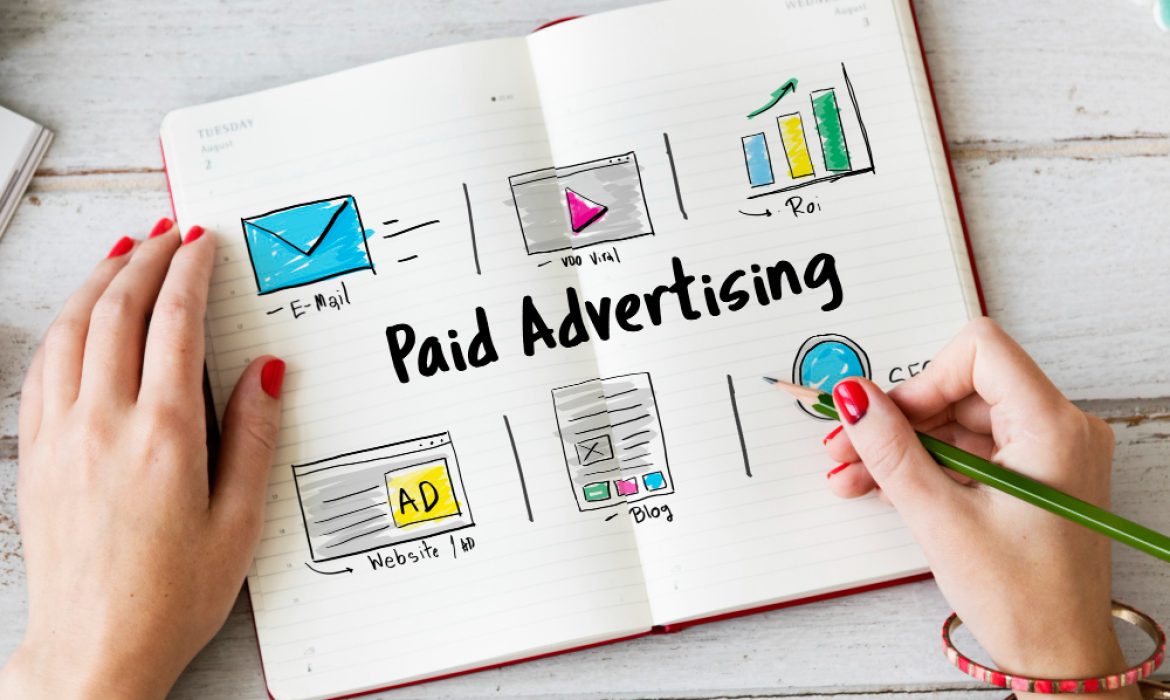
Beginner Guide to Google Ads Campaign Management
Google Ads is one of the most powerful tools for driving traffic and generating leads for your business. However, managing a Google Ads campaign can seem daunting, especially for beginners. This guide will walk you through the basics of Google Ads campaign management and provide you with the knowledge you need to create and optimize successful campaigns.
1. What is Google Ads?
Google Ads (formerly known as Google AdWords) is an online advertising platform where businesses can create ads to appear on Google search results, YouTube, Gmail, and other Google partner sites. It works on a pay-per-click (PPC) basis, meaning you only pay when someone clicks on your ad. Google Ads offers a range of targeting options to help you reach the right audience and maximize your return on investment (ROI).
2. Setting Up Your Google Ads Account
The first step in Google Ads campaign management is setting up your account. Follow these simple steps to get started:
-
Sign up for Google Ads: If you don’t have an account, visit the Google Ads website and create one.
-
Define Your Campaign Goals: Decide whether you want to drive traffic to your website, increase sales, or promote your brand awareness.
-
Choose Your Campaign Type: Google Ads offers several campaign types, including search campaigns, display campaigns, shopping campaigns, and video campaigns. Choose the type that aligns with your goals.
-
Set Your Budget: Determine how much you are willing to spend on your campaign. Google Ads allows you to set a daily or lifetime budget for your campaigns.
3. Keyword Research
Keywords are the backbone of your Google Ads campaign. Researching the right keywords will help you target your ads effectively. Here’s how to get started with keyword research:
-
Use Google Keyword Planner: This free tool helps you discover new keywords related to your business. You can see search volume, competition, and suggested bid amounts for each keyword.
-
Focus on Relevance: Choose keywords that are directly related to your products or services. The more relevant your keywords, the better your ad’s performance.
-
Long-Tail Keywords: Consider targeting long-tail keywords (phrases with three or more words) as they tend to have less competition and a higher conversion rate.
4. Creating Your Ads
Once you have your keywords ready, it’s time to create your ads. Here are the key elements to include in your Google Ads:
-
Headline: Your headline should grab attention and include your primary keyword. It should be concise, clear, and relevant to the user’s search intent.
-
Description: The description gives you more space to elaborate on your offering. Focus on the benefits and why users should click on your ad.
-
Display URL: This is the URL shown in your ad. It should be short and match the content of your landing page.
-
Call-to-Action (CTA): A strong CTA encourages users to take the next step, whether it’s making a purchase, signing up for a newsletter, or contacting you for more information.

5. Setting Up Ad Extensions
Ad extensions are additional pieces of information that can enhance your ad. These can include:
-
Sitelink Extensions: Links to other pages on your website.
-
Call Extensions: A phone number for users to call directly.
-
Location Extensions: Display your business address to encourage local customers.
-
Callout Extensions: Add extra text to highlight your offers or unique selling points.
Using ad extensions can increase your ad’s visibility and improve its click-through rate (CTR).
6. Targeting the Right Audience
Google Ads allows you to target specific audiences based on factors like:
-
Location: Target users based on their geographical location. This is particularly useful for local businesses.
-
Language: Choose the language of your target audience to ensure your ads appear to the right people.
-
Device: Decide if you want to show your ads on desktops, tablets, or mobile devices.
-
Demographics: Target users based on their age, gender, income, and more.
Targeting the right audience ensures that your ads are reaching the people who are most likely to convert.
7. Bidding Strategy
Google Ads uses a bidding system where you set how much you are willing to pay for each click on your ad. There are different bidding strategies to choose from:
-
Manual CPC: You set your own bids for each keyword.
-
Enhanced CPC: Google automatically adjusts your bids to maximize conversions.
-
Target CPA (Cost-Per-Acquisition): Google optimizes your bids to get you the most conversions at your target cost per acquisition.
-
Target ROAS (Return on Ad Spend): This strategy focuses on achieving the best return on your ad spend.
Choose a bidding strategy that aligns with your goals and budget.
8. Monitoring and Optimizing Your Campaign
Once your campaign is live, it’s important to monitor its performance and make adjustments. Some key metrics to track include:
-
CTR (Click-Through Rate): This shows how often people click your ad after seeing it. A high CTR indicates your ad is relevant to your audience.
-
Conversion Rate: This measures how many clicks result in a desired action, like a sale or sign-up.
-
Quality Score: Google uses a Quality Score to assess how relevant your keywords, ads, and landing page are. Higher Quality Scores can lower your costs and improve ad placements.
-
Cost per Conversion: This shows how much you are paying for each conversion. Lowering this cost can improve your campaign’s ROI.
Regularly reviewing these metrics will help you identify areas for improvement and optimize your campaign for better performance.
Google Ads can be an effective way to grow your business, but it requires careful planning and ongoing optimization. By setting clear goals, choosing the right keywords, creating compelling ads, and monitoring your campaign’s performance, you can maximize the results of your Google Ads campaigns.
Take time to test different ads, keywords, and targeting options. Google Ads offers a lot of flexibility, so you can always adjust your strategy based on what works best for your business.

